
PhotoPad Image Editor
NCH Software
Screenshots

App details
- Updated
- Aug 22, 2025
- Language
- English,German
- Developer
- NCH Software
- Category
- Mobile
SoftPas in:
This product is also available in the following languages:
About PhotoPad Image Editor
Download PhotoPad Image Editor – photo editor, image editor, photo editing tool, mobile photo editor, image enhancement, photo retouching, photo filter, photo effects, photo cropping, photo rotation
Overview
PhotoPad Image Editor is a mobile application designed to simplify the process of editing digital images on smartphones. Targeted at users seeking a straightforward and accessible solution for enhancing their photos, the app provides essential editing tools without the complexity of professional-grade software. It addresses common user needs such as adjusting brightness, contrast, and saturation, as well as applying creative filters and making basic geometric corrections like rotation and cropping. The app is particularly well-suited for casual users, content creators, and individuals who want to quickly improve their images before sharing on social media or storing digitally.
With its lightweight architecture and intuitive layout, PhotoPad Image Editor aims to deliver a smooth user experience across a range of devices. It supports multiple image formats, including JPG, PNG, BMP, GIF, and PSD, allowing users to work with files from various sources, including those created in desktop editing software. This broad compatibility enhances its utility in everyday workflows. The developer, PhotoPad, has positioned the app as a lightweight alternative to more feature-heavy editors, emphasizing ease of use and accessibility. Although the developer did not provide additional technical details, the app’s free pricing model and focus on core editing functions suggest a strategy centered on user adoption and broad reach.
Key Features & Functionality
- Comprehensive Editing Tools – Users can adjust tone, brightness, contrast, and saturation with intuitive sliders or one-tap presets, enabling quick enhancements to image quality.
- Creative Filters and Effects – A selection of built-in filters, including sepia, black and white, and negative, allows users to transform images with minimal effort and explore artistic variations.
- Broad Format Support – The app supports multiple file types such as JPG, PNG, BMP, GIF, and PSD, enabling seamless editing of images from various platforms and software.
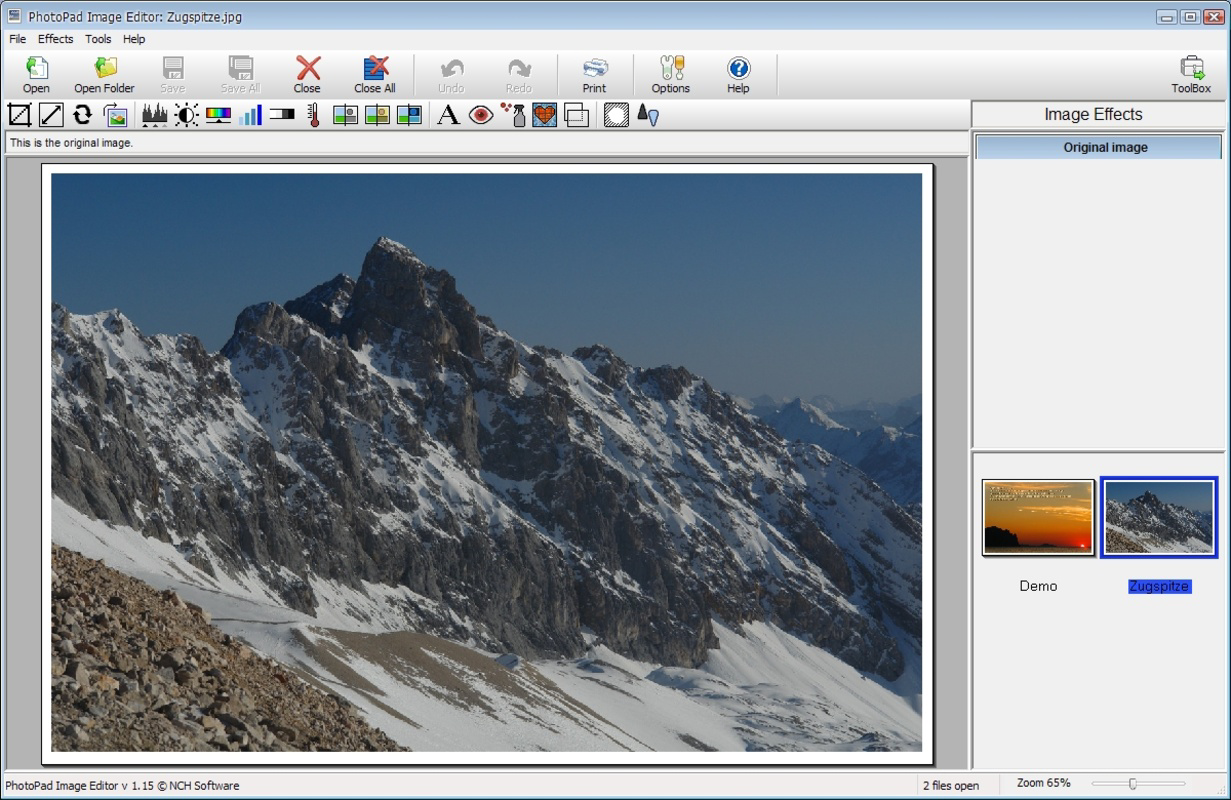
- Basic Image Manipulation – Functions like cropping and rotating are accessible through a simple interface, allowing users to reframe or correct image orientation with precision.
- Lightweight and Fast – Designed to operate efficiently on a range of devices, the app minimizes resource usage while maintaining responsive performance during editing tasks.
For example, a user preparing a photo for a social media post can quickly apply a sepia filter and crop the image to fit a square format. Another user may need to adjust the brightness of a dimly lit photo taken indoors, which can be achieved in seconds using the app’s exposure controls. These real-world scenarios highlight the app’s practicality for everyday photo editing needs.
Interface, UX & Performance
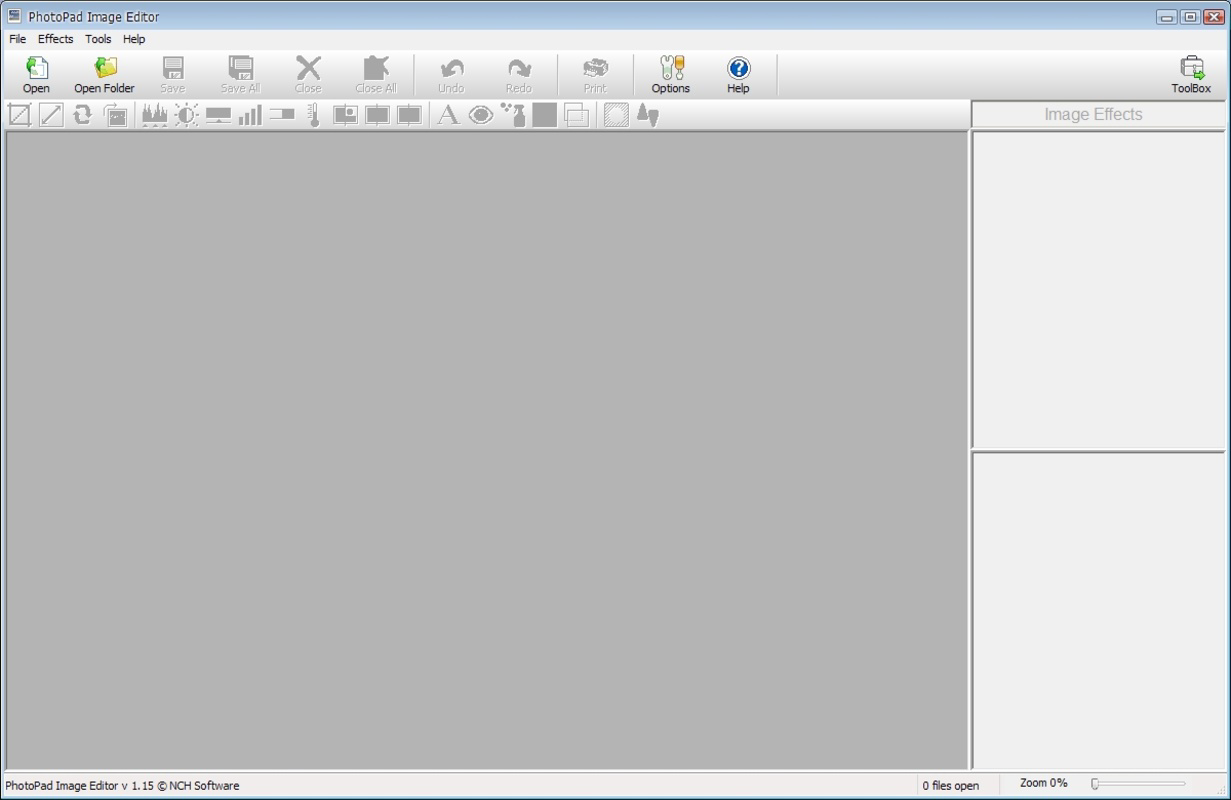
PhotoPad Image Editor features a clean, minimalist interface that prioritizes accessibility and ease of navigation. The layout organizes tools into clearly labeled sections, allowing users to locate functions without confusion. The visual design emphasizes functionality over ornamentation, using consistent iconography and color cues to guide user actions. Navigation is linear and predictable, with a bottom toolbar providing quick access to core features like crop, rotate, and filters.
Although the developer did not list formal performance metrics, the app’s 42.7 MB file size suggests a focus on efficiency and low resource consumption. This indicates potential for stable performance across mid-range and entry-level Android devices. Users can expect responsive interactions during basic editing tasks, with minimal lag during filter application or image adjustments. The app maintains stability during typical usage, though no information was provided about crash rates or background processing behavior. Overall, the user experience aligns with the app’s positioning as a lightweight, user-friendly tool for simple photo enhancements.
Platform Compatibility & Technical Requirements
PhotoPad Image Editor is available exclusively on the Android platform. The current version is 1.2.5, with a file size of 42.7 MB. The app is offered at no cost, making it accessible to a wide audience. The developer did not specify minimum OS requirements or device compatibility details, so users should ensure their device meets general Android standards for app installation and operation.
Given its size and nature as a photo editing tool, the app is likely compatible with most Android devices released in the past five years. However, without explicit system requirements, users are advised to check their device’s specifications and ensure the operating system supports the app’s functionality. The absence of detailed compatibility information limits the ability to confirm support for older or newer Android versions, but the app’s lightweight design suggests broad potential accessibility.
Pros and Cons
Pros
- Free to download and use, making it accessible to all users
- Lightweight design with low memory footprint (42.7 MB)
- Supports multiple image formats including PSD and GIF
- Intuitive interface suitable for beginners and casual users
- Offers essential editing tools such as crop, rotate, and brightness adjustment
Cons
- Specific technical requirements were not listed
- Advanced editing features such as layer support or AI enhancements were not mentioned
- Compatibility with older or newer Android versions is not confirmed
- No information provided about update frequency or long-term maintenance
- Developer background and support channels are not detailed
FAQ
Is PhotoPad Image Editor safe to download and install?
Yes, the app is free and available through official Android channels. It does not require root access and operates within standard Android security protocols.
Can I edit PSD files using PhotoPad Image Editor?
Yes, the app supports PSD files, allowing users to open and edit layered images created in desktop editing software.
Does PhotoPad Image Editor require an internet connection?
No, the app functions entirely offline. All editing features are available without needing an active internet connection.
How often is the app updated?
The developer did not provide information on update frequency. Users should check their device’s app store for the latest version.
Is PhotoPad Image Editor available on iOS?
As of now, the app is only available on Android. There is no official iOS version announced.
Final Thoughts
PhotoPad Image Editor delivers a focused, efficient solution for users who need to make quick, reliable edits to their photos without the overhead of complex software. Its lightweight design, broad format support, and user-friendly interface make it a strong contender for casual photographers, social media users, and anyone seeking a simple yet effective mobile photo editing tool. While it lacks advanced features and detailed technical disclosures, its core functionality is well-executed and accessible. For those prioritizing ease of use and immediate results, PhotoPad Image Editor stands out as a practical choice in the mobile photo editing space.
Download PhotoPad Image Editor now
Guides & Tutorials
How to install PhotoPad Image Editor
- Click the Download button above.
- Once redirected, accept the terms and click Install.
- Wait for the PhotoPad Image Editor download to finish on your device.
How to use PhotoPad Image Editor
This software is primarily used for its core features described above. Open the app after installation to explore its capabilities.
User Reviews
No reviews yet. Be the first to share your experience.
You may also like
more
Que no te pillen¡
About !Que no te pillen¡Reviewed by Jason A. BilbreyShow MoreShow Less

3D Combat Zone
About 3D Combat ZoneOriginally released in 1983, 3D Combat Zone immerses players...

666: El día del portal
About 666: El día del portalOn June 6, 2006, Agent P. Stone uncovers a sinister...

80 in 1 Best Flash games
About 80 in 1 Best Flash games 80 in 1 Best Flash games is a collection of 80 fl...

ABYSS SEEKERーーWhat Do You See Deep in The Abyss
About ABYSS SEEKERーーWhat Do You See Deep in The AbyssIn ABYSS SEEKER, players...

ACA NEOGEO THE KING OF FIGHTERS 2002 for Windows
About ACA NEOGEO THE KING OF FIGHTERS 2002 for WindowsTHE KING OF FIGHTERS 2002,...